
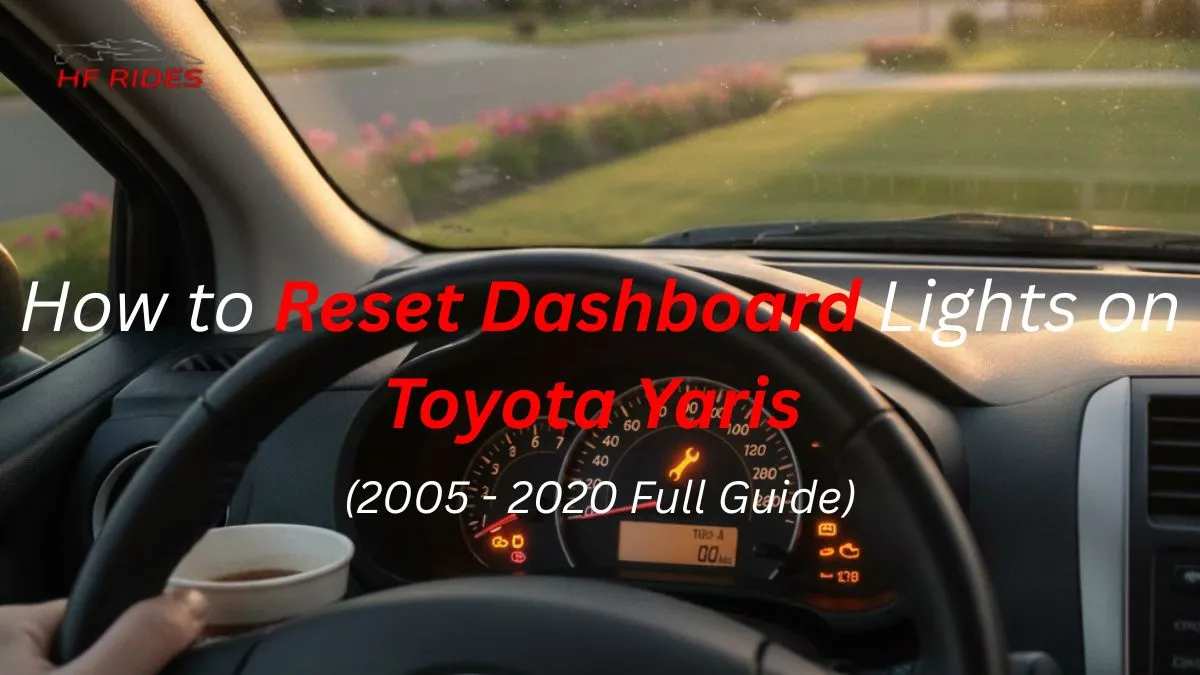
To reset the maintenance/dashboard light:
-
Turn the ignition to ON.
-
Hold the trip/ODO button for 10–15 seconds until the light flashes.
-
Release and start the car.
For newer models with a multi-info display:
Go to Vehicle Settings → Scheduled Maintenance → Reset.
Introduction
Keeping your Toyota Yaris in top condition means paying attention to its dashboard lights. If the maintenance or service light comes on after an oil change or other routine service, you’ll need to reset it.
In this guide, we’ll show you how to reset dashboard lights on the Toyota Yaris for all US model years from 2007 to 2020, including hybrid and smart key versions.
You’ll learn step-by-step methods using the trip/ODO button, multi-information display, and other dashboard reset options. Troubleshooting tips are also included to ensure your lights function correctly.
Universal Reset Methods (Works on Most Toyota Yaris Models)
Resetting your Toyota Yaris dashboard lights is simple and works across most model years. For older Yaris models (2007 – 2014), use the trip/ODO button: turn the ignition ON, hold the button until the maintenance light flashes or turns off, then release.
For newer models (2011+), use the multi-information display: navigate to Vehicle Settings → Scheduled Maintenance → Reset and confirm. Hybrid and smart key models require slightly different menu steps. These universal methods cover all dashboard reset types.
Toyota Yaris Generations Overview
Toyota Yaris models have changed over the years, and dashboard reset methods can vary slightly by generation. The XP90 (2007 – 2010) uses the classic trip/ODO button for resets.
The XP130/XP150 (2011 – 2020) added multi-information displays, making digital menu resets possible. The XP210 (2020 – present), including hybrid models, features fully digital displays and smart key systems.
Understanding your Yaris generation helps you choose the correct method to reset maintenance lights, service reminders, or other dashboard indicators safely and accurately.

Model-Year Specific Reset Steps
Follow these simple steps for your Toyota Yaris model year to reset dashboard and maintenance lights correctly.
How to Reset Dashboard Lights on Toyota Yaris 2007
-
Turn the ignition ON without starting the engine.
-
Press and hold the trip/ODO button until the maintenance light flashes or goes off.
-
Release the button and start the car to confirm the reset.
How to Reset Dashboard Lights on Toyota Yaris 2008
-
Same trip/ODO method: ignition ON, hold button 10–15 seconds, release when light turns off.
How to Reset Dashboard Lights on Toyota Yaris 2009
-
Trip/ODO button method works for this year too.
-
Optional: Use the OBD-II tool if the light stays on.
How to Reset Dashboard Lights on Toyota Yaris 2012
-
For XP130/150 models with multi-information display:
-
Turn ignition ON, navigate Vehicle Settings → Scheduled Maintenance → Reset.
-
Confirm selection; the light will turn off.
-
How to Reset Dashboard Lights on Toyota Yaris 2013
-
Multi-information display reset same as 2012.
-
Trip/ODO button method may still work for some trims.
How to Reset Dashboard Lights on Toyota Yaris 2014
-
Follow digital display reset steps.
-
Ensure maintenance is performed before resetting.
How to Reset Dashboard Lights on Toyota Yaris 2016
-
Smart key/push-button models: press start button twice without pressing the brake.
-
Navigate the multi-information display menu to reset the maintenance light.
How to Reset Dashboard Lights on Toyota Yaris 2017 – 2018
-
Hybrid or smart key models: press the start button twice without the brake.
-
Use multi-information display: Vehicle Settings → Scheduled Maintenance → Reset.
-
Light should turn off; confirm after starting the car.
How to Reset Dashboard Lights on Toyota Yaris 2019 – 2020
-
Push-button start models only.
-
Multi-info display/navigation buttons: select Maintenance → Reset → Confirm.
-
Some trims may allow trip/ODO button method as backup.
Tip:
-
Hybrid systems may show additional indicators; always perform scheduled maintenance first.
-
OBD-II scanner can clear persistent lights if the reset steps fail.
| Model Year | Generation | Reset Method | Notes |
|---|---|---|---|
| 2007–2010 | XP90 | Trip/ODO button | Classic method, no display menu |
| 2011–2014 | XP130/XP150 | Trip/ODO or Multi-Info Display | Digital display introduced on some trims |
| 2015–2016 | XP150 | Multi-Info Display | Smart key is optional on some models |
| 2017–2019 | XP150/XP210 | Multi-Info Display & Start Button | Push-button start, hybrid and standard trims |
| 2020+ | XP210 / Hybrid | Multi-Info Display & Start Button | Full digital menu, hybrid warning lights |
Hybrid Model Notes (XP210 and Other Hybrids)
Hybrid Toyota Yaris models, including XP210 (2020+), have digital multi-information displays and smart key systems. To reset the maintenance or service light, press the start button twice without pressing the brake. Then go to Vehicle Settings, select Scheduled Maintenance, and choose Reset.
Always confirm your selection. Hybrid system warning indicators may also appear, so don’t confuse them with the maintenance light. Following these steps ensures your hybrid Yaris keeps accurate service tracking.
Troubleshooting & Common Issues
Sometimes the dashboard or maintenance light on a Toyota Yaris may not reset on the first try. If this happens, make sure actual maintenance like oil changes or tire rotations has been completed.
Try repeating the trip/ODO button or multi-information display reset steps. For hybrid or smart key models, confirm the menu selection.
Avoid confusing maintenance lights with check engine or hybrid system warnings. Persistent issues may require an OBD-II diagnostic tool or a visit to a Toyota dealer.
FAQ’s
Common questions about Toyota Camry dashboard warning lights.
How do you reset the check engine light on a Toyota Yaris?
The check engine light (CEL) is different from the maintenance light. On Toyota Yaris models from 2007 – 2016, resetting the CEL requires an OBD-II scanner or a visit to a dealer. Using the trip/ODO button or display menu only resets the maintenance light.
How to change the dashboard display on a Toyota Yaris?
For Yaris 2012 – 2016 models, use the multi-information display menu: go to Vehicle Settings → Display Settings, then select layout or brightness. This does not reset maintenance lights.
Why won’t my Toyota Yaris maintenance light reset?
Ensure that required services like oil changes or tire rotations have been completed. Retry the reset method for your specific year/model, for example, Yaris 2007–2014 using the trip/ODO button or display menu.
Can I reset the Yaris service light without tools?
Yes, most Toyota Yaris 2007 – 2020 models allow resets via the trip/ODO button or multi-information display. Hybrid models require using the start button plus display menu.
What does the wrench/spanner symbol mean on a Toyota Yaris?
The wrench/spanner icon indicates scheduled maintenance is due, such as an oil change. Reset it after completing the service using the method for your year/model, like Yaris 2007–2016.
How often does the Yaris maintenance light come on?
It appears that according to Toyota’s service interval, usually every 5,000 – 10,000 miles, depending on oil type, driving style, and model year.
Do I need an OBD-II tool to reset dashboard lights on Yaris?
Not usually – only for the check engine light or if the maintenance light won’t reset after proper service. Standard resets use the trip/ODO button or display menu, depending on model year.
Conclusion
Resetting the dashboard and maintenance lights on your Toyota Yaris is simple when you know the right method for your model year.
From using the trip/ODO button on 2007 – 2014 models to navigating the multi-information display on newer or hybrid Yaris, following the correct steps ensures your maintenance reminders are accurate.
Regularly checking and resetting these lights helps you stay on top of oil changes and routine services.

Hfrides.com provides easy-to-understand car maintenance guides and troubleshooting tips. With real hands-on experience, we simplify complex automotive topics. Our goal is to help drivers save money, avoid repairs, and keep their cars running longer.